The Endless Browse: Why More Options Can Make Choosing Harder
A personal streaming shortlist narrows your choices to titles suited to tonight’s mood, so you can spend less time scrolling and decide with more ease.

Which title should you watch tonight? A personal streaming shortlist makes that decision easier by narrowing the options before the streaming app fills your screen with covers, previews and recommendations. It is especially useful when you have a particular viewing situation in mind but cannot yet name a genre or programme.
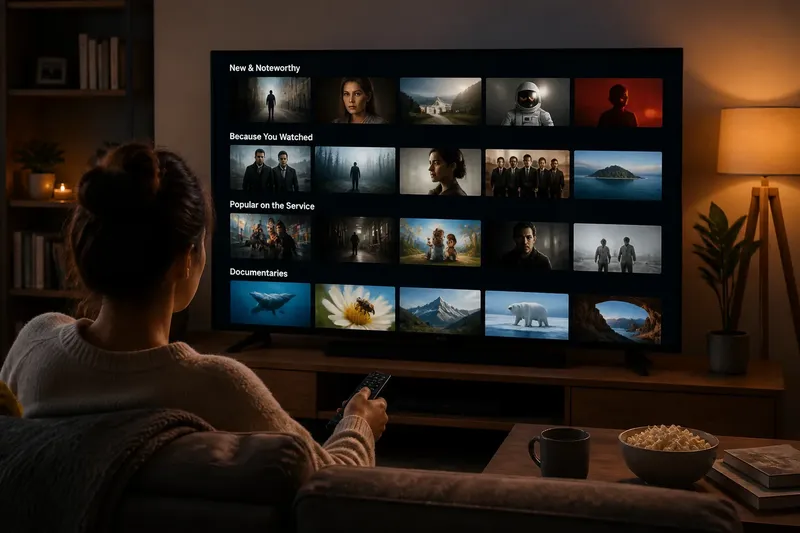
Opening an app without a preference can turn a relaxed evening into repeated scanning. Each new row adds possibilities, while the titles already seen remain unresolved. A shortlist changes the task: rather than comparing the whole catalogue, you choose among a few candidates that fit a specific occasion.
A crowded catalogue makes comparison harder
Choice overload describes the strain of comparing many options when their differences are not immediately clear. Streaming covers and short descriptions offer clues, but they cannot always tell you whether a programme will suit your mood, company or available attention.
The apparent question of what to watch contains several smaller decisions. You might be choosing between something familiar and something new, a light story and a tense one, or a title that works in the background and one that rewards close attention. If you try to settle each question while browsing, every title starts another round of evaluation.
Recommendations can be useful when they reflect a genuine interest, but they can also add more choices. Treat a recommendation as a candidate, not an instruction to keep searching. The shortlist’s purpose is to set a boundary around the decision, rather than to judge whether the app’s suggestions are good or bad.
A personal streaming shortlist gives each choice a reason
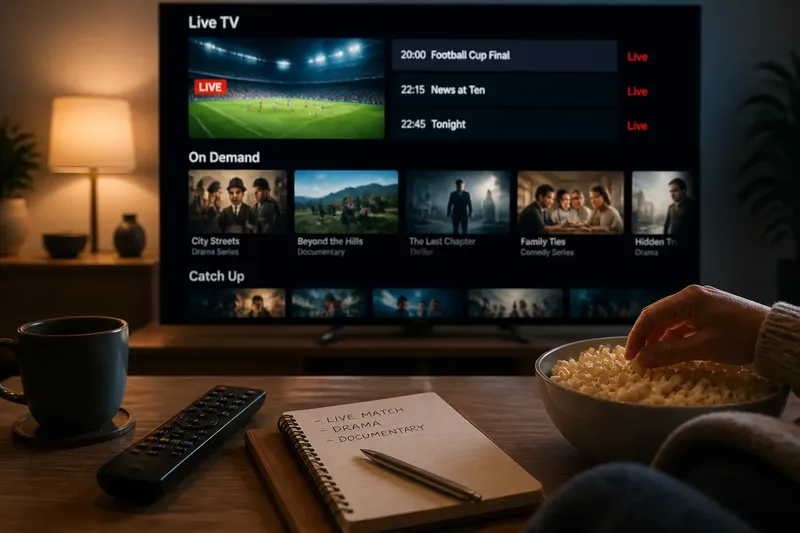
A personal streaming shortlist is a small group of titles selected for a particular viewing occasion. It might live in a phone note, a saved list within one service, or a message to yourself. The tool matters less than the rule for inclusion: each title should have a clear reason it could fit the occasion.
A general “things I might watch” list can hold discoveries for later, but it may not help on a night when you want something easy to follow while talking. Keep the immediate shortlist separate in your mind, even if both kinds of title sit in the same app. A temporary note such as “quiet evening” or “watching together” can make the difference clear.
Keep the set small enough to compare without reopening the full catalogue. If the shortlist starts to feel like another catalogue, remove titles until each remaining one has a distinct reason to be there. There is no need to settle on a fixed size; the useful test is whether you can make a choice without returning to general browsing.
Different sources can supply candidates
Save titles when they catch your attention
Saving a title during ordinary browsing lets you postpone the decision. Later, distinguish between “interesting someday” and “a real option for tonight”. A saved list can hold the first group, while the shortlist for tonight contains only the second.
If your note-taking tool allows it, add a short reason beside a saved title. “Good for a quiet evening” is more useful at decision time than a cover you barely remember. If notes are awkward, separate lists organised by viewing occasion can serve the same purpose.
Ask someone for a few considered suggestions
A friend or viewing partner can offer candidates without asking you to search the whole catalogue. Ask for a brief reason as well as a title: “Try this if you want something gentle” gives you a way to judge fit. A title without context may simply become one more item to look up.
Suggestions can introduce options you would not have considered, but they do not settle the choice for everyone watching. Keep only the candidates that suit the group’s mood and viewing arrangements.
Start from the viewing situation, not a browse route
Rather than beginning with a genre or a row of recommendations, identify the practical conditions for watching: who is present, whether conversation is likely, and how much attention you can give the screen. Those details determine which candidates belong on the list. For instance, a programme with complex plot details may be a poor fit for a shared meal, even if its genre appeals to you.
This approach is different from searching a category and inspecting a set of titles. It sets a reason for watching before you open the app, so you can accept or reject candidates by how well they fit the occasion instead of continuing along a browse route.
A short routine keeps the shortlist useful
Before opening the service, decide what the viewing situation asks for, gather a few candidates that fit and choose from those. A note can be brief; its job is to preserve a preference, not to catalogue everything you might ever watch.
- Check who will be watching; if everyone has a similar preference, keep shared candidates, but if tastes differ, let each person nominate one option.
- Check whether conversation or another activity will compete for attention; if so, favour candidates you can follow without close focus, but if not, keep more absorbing titles in consideration.
- Check the mood you want; if a title’s description fits it, keep the candidate, but if it suggests a different tone, set it aside for another occasion.
- Check whether you want familiarity or something new; if you want comfort, retain a known fit, but if you want discovery, reserve space for one unfamiliar candidate.
- Check whether each title has a clear reason for inclusion; if it does, keep it, but if you cannot say why it fits, remove it from tonight’s shortlist.
- Check whether the remaining candidates are easy to compare; if they are, choose among them, but if the list still feels unwieldy, remove the weakest fits before opening general browsing again.
Say you have an evening free, expect to talk while making dinner and want something easy to follow. You write “light, familiar, easy to pause” in a phone note. You add a comedy you already know fits, a familiar travel programme another viewer suggested, and a new suspense drama you saved earlier. You then compare each candidate against the note: the comedy fits the mood and can be paused, the travel programme fits the shared setting but feels less familiar, and the suspense drama asks for more attention than you expect to give. You set the drama aside and choose between the other two, accepting the trade-off between a familiar tone and a shared suggestion. The observable result is a choice between two plausible options rather than a return to the full catalogue.
It is not worth building a detailed rating system for every programme unless you enjoy maintaining one. Scores, elaborate tags and long notes can turn a small aid into another task. A few words explaining why a title appealed are usually enough.
How should you manage a streaming shortlist?
Should a shortlist be kept inside the streaming app?
Use the app’s saved list if it is easy to access and you can distinguish immediate choices from titles for another time. A separate phone note can be clearer when candidates come from several services or from other people.
How many titles should you put on a shortlist?
Keep only as many as you can compare without returning to general browsing. If you find yourself weighing too many candidates, remove those with the weakest connection to tonight’s viewing situation.
What if nobody agrees on what to watch?
Ask each viewer for a candidate that fits a shared mood, then choose from that combined set. If preferences still differ, take turns choosing on different occasions instead of asking one title to satisfy everyone.
Does a shortlist stop you discovering something new?
No; it gives discovery a place in the decision. Keep one unfamiliar recommendation alongside options you already know suit the occasion, then choose according to the mood and attention you have tonight.
A shortlist should remain flexible
A shortlist should reduce browsing, not make watching feel like a scheduled task. If none of its titles appeals once you see the details, set it aside and adjust the viewing situation you had in mind. The list is useful because it is personal and temporary; it can change when your plans, company or attention change.
When a personal streaming shortlist makes the choice feel less clear, use that as a sign to revise the list rather than to keep scrolling. One practical reason for each candidate is enough to make the next decision more manageable, while leaving room for an unexpected title on another evening.